


A subdomain is a strategic tool that allows you to organize and prioritize your digital ecosystem without losing the authority of your main domain. To create a subdomain in cPanel, follow these detailed steps:
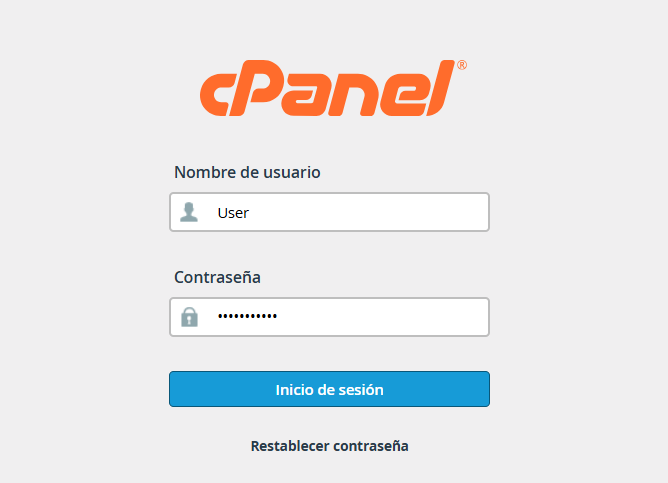
1. Log in to your cPanel control panel by entering your username and password.
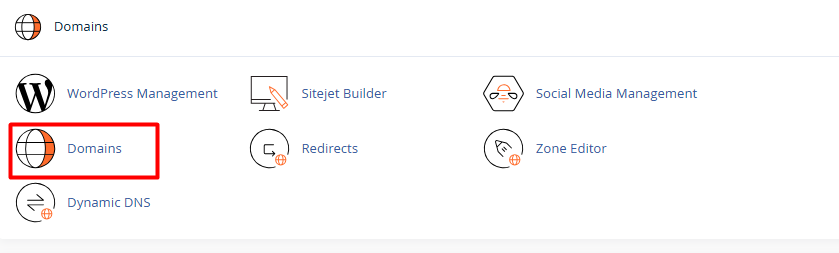
2. Scroll down to the Domains section and click on the Domains option.
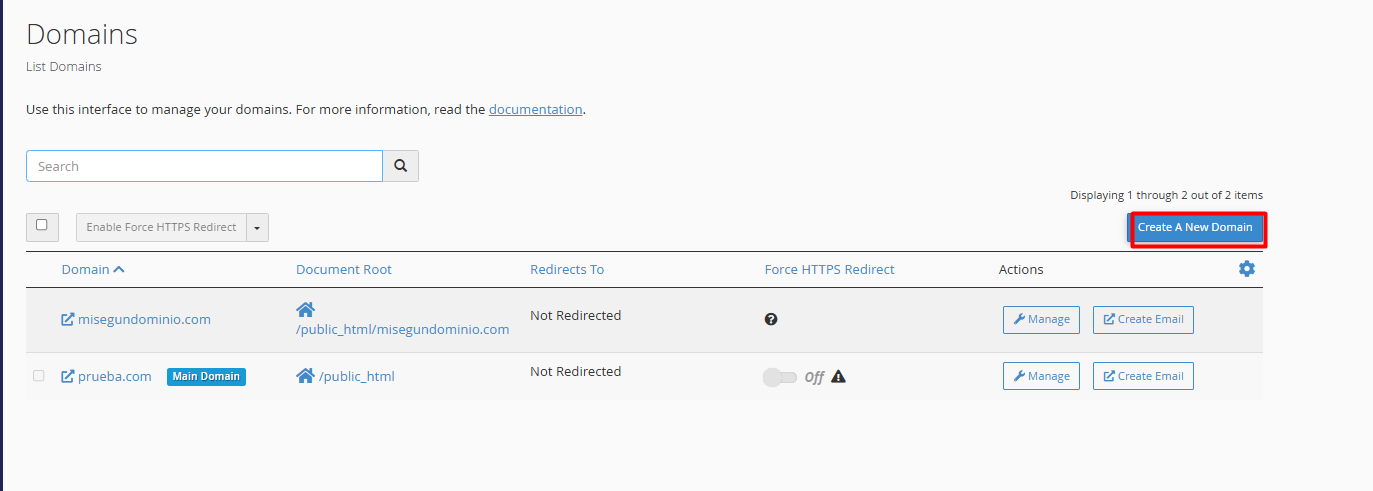
3. Click the Create a New Domain button.
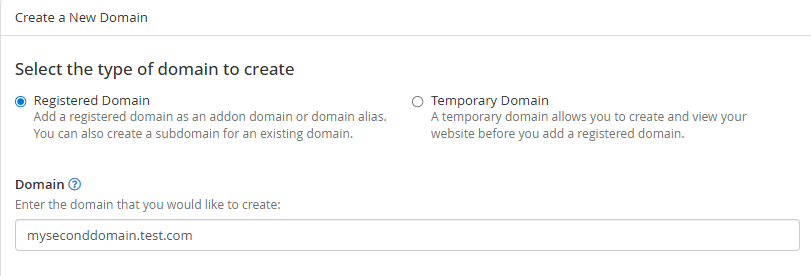
4. Configure the name:
4.1. In the Domain text box, type the full name of the subdomain you want to create (for example: yourdomain.com).
4.2. Make sure to include your main domain name after the dot.
5. Define the file folder (Critical):
5.1. Uncheck the box that says "Share document root". This allows the subdomain to have its own independent folder so it doesn't display the same content as your main site.
5.2. The system will automatically suggest a folder path; you can leave it as is or customize it if you prefer.
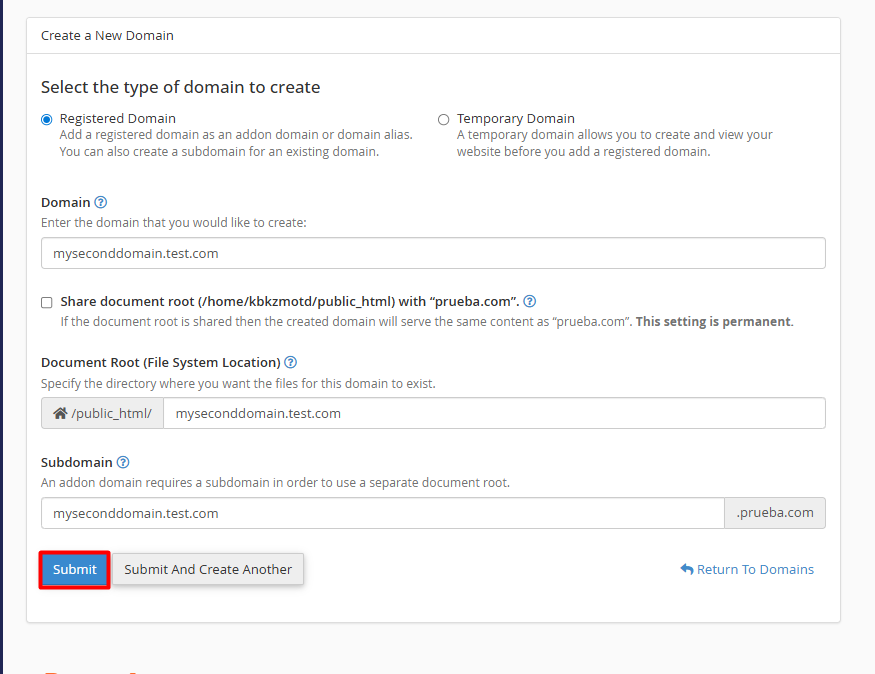
Press the Submit button and your subdomain will be created.